

Affinity
Photo
Photo, vector and layout, free for individuals
FreeVisit
Making the work
Growing an audience
Running the business
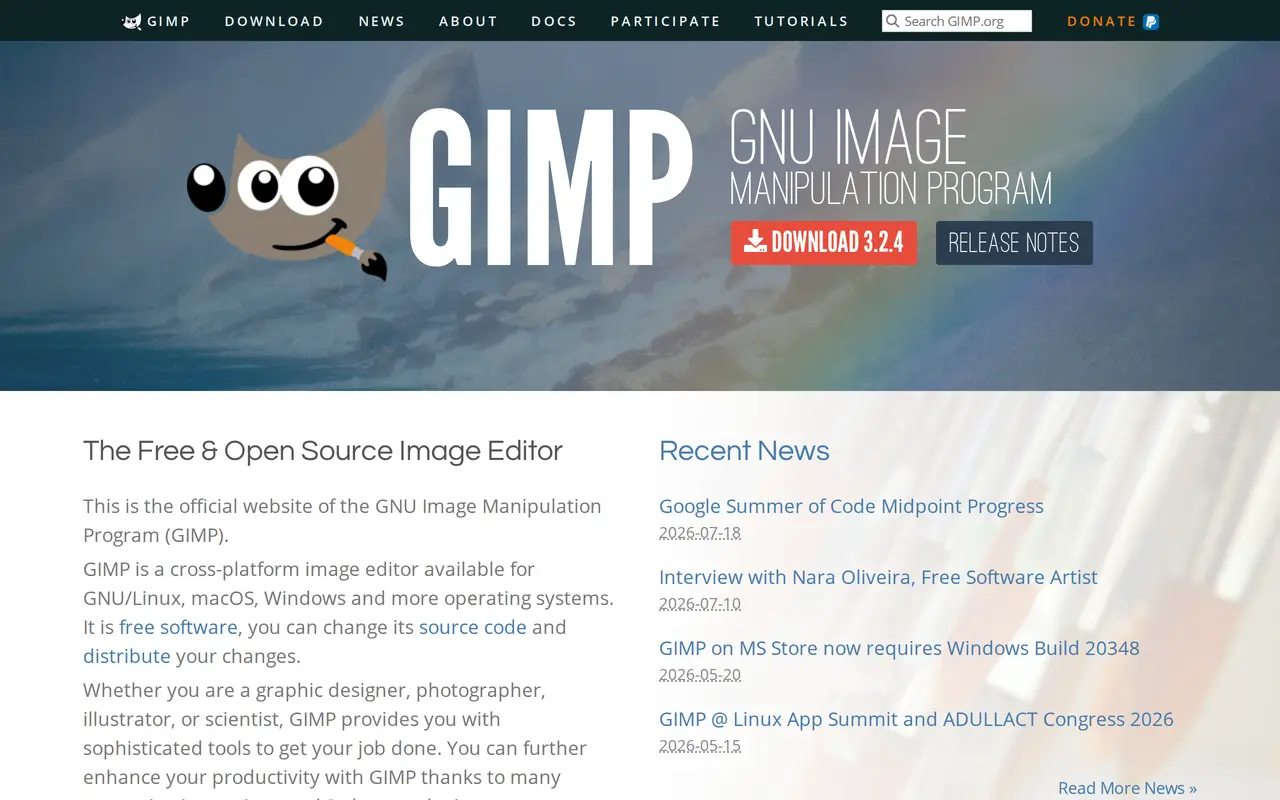
GIMP has been the free answer to a paid image editor since the nineties, covering retouching, compositing, painting and format conversion, with scripting for the jobs you do a hundred times. Its colour management is strong enough for print work. The interface is its own rather than a copy of anyone else's, which is the real cost of switching to it.
There is no pricing page because there is no price. GIMP is free software under the GPL, funded by donations and volunteer work, and every feature is in the one download with no paid edition above it. Support is community forums and documentation rather than a company, which is the practical difference from a paid editor. It works alongside Scribus and Inkscape for layout and vector work, which the project recommends as the free equivalent of a design suite.
Anybody who needs a full image editor and either cannot or would rather not pay a subscription for one. Somebody whose muscle memory is built on Photoshop should know the interface is its own, and that relearning it is the actual price here.
The honest comparison is not against Photoshop feature by feature but against what you actually do, and for retouching and compositing most people never reach the edge of it. Photopea is worth a look first if you want something Photoshop-shaped in a browser tab.
Photo
A raw developer that costs nothing
No ratings yet
Be the first to rate GIMP.
Tell people what it was actually like. It goes up straight away.
Write a reviewNobody has reviewed GIMP yet. Be the first.

Comments
Join the conversation
Sign in to ask a question or answer someone else's.
Sign inNo comments yet. Ask whatever you would want answered before signing up.