

Camtasia
Screen recording
Screen recording and editing in one suite
From $39Visit
Making the work
Growing an audience
Running the business
screen.studio
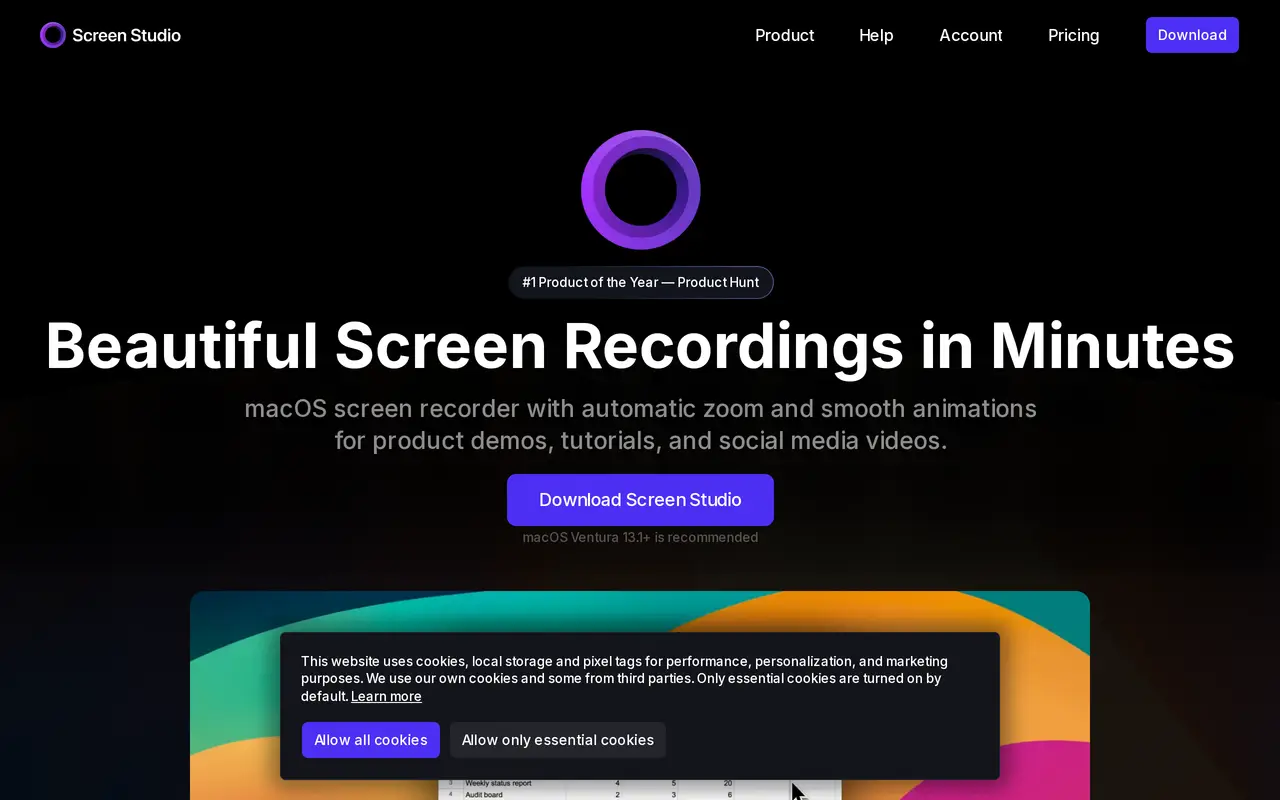
Screen Studio records a screen and then does the editing nobody wants to do: it zooms towards whatever was clicked, smooths the cursor and animates the transitions, so a first take looks edited. Vertical export is built in for short-form. It is macOS only, which decides the question for a lot of people.
$29 a month billed monthly, with a cheaper yearly option and the ability to switch at any time. The perpetual licence Screen Studio used to sell is gone, though the FAQ still answers what happens to one bought in the past. macOS Ventura 13.1 or later is recommended.
Anybody on a Mac making product demos, tutorials or course modules who wants them to look finished without an editing pass. Windows and Linux users cannot use it at all, and Loom is the closer answer there.
Loom is free and sends a link; this makes a file that looks like somebody edited it. If the recording is going on a sales page or a course, the difference shows immediately.
Screen recording
Mac screen capture that replaces the built-in
No ratings yet
Be the first to rate Screen Studio.
Tell people what it was actually like. It goes up straight away.
Write a reviewNobody has reviewed Screen Studio yet. Be the first.


Comments
Join the conversation
Sign in to ask a question or answer someone else's.
Sign inNo comments yet. Ask whatever you would want answered before signing up.