

XSplit Broadcaster
Streaming
Windows streaming with a lifetime option
Making the work
Growing an audience
Running the business
obsproject.com
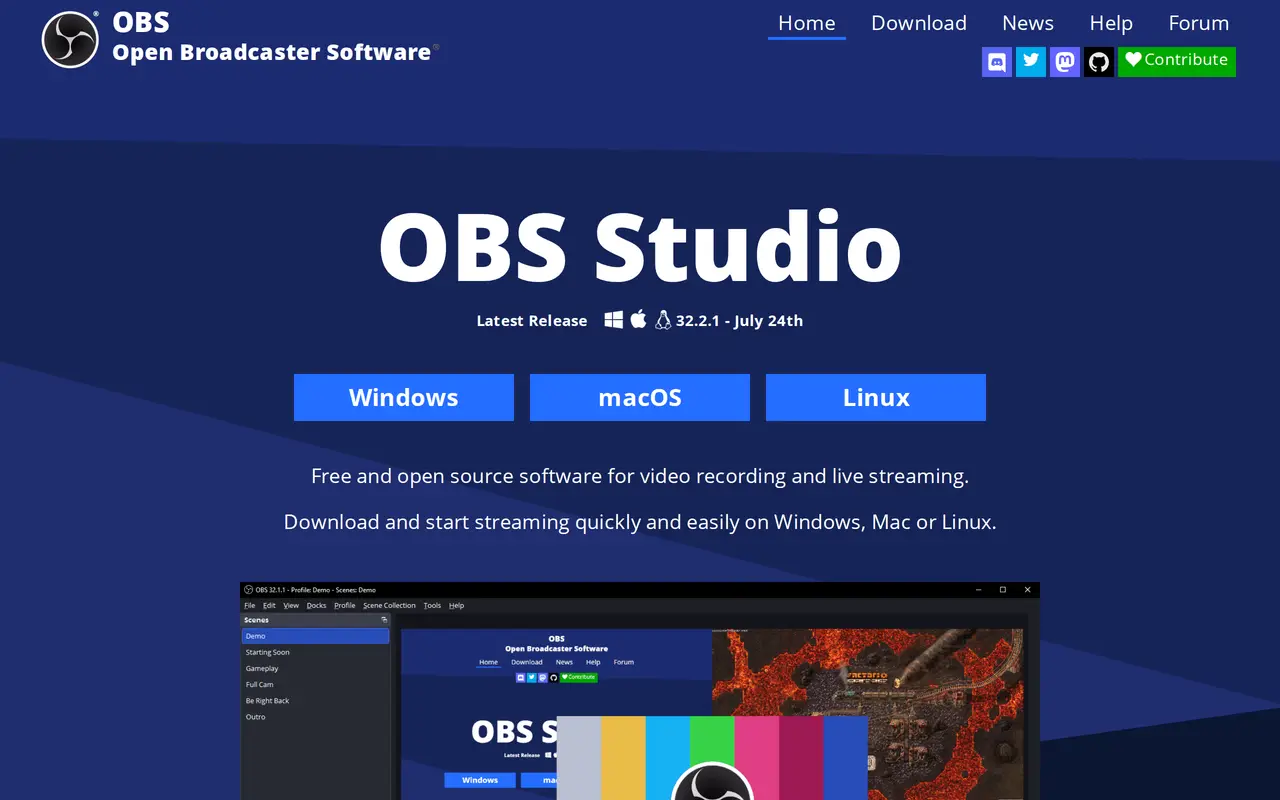
OBS is what most of the streams you watch are running, and it costs nothing because it is a volunteer project rather than a business with a free tier. Scenes, sources, filters and a real audio mixer are all there, along with plugin support. Nothing about it is friendly on the first evening, and the settings that decide whether your stream looks good are the ones with no explanation next to them.
There is no pricing. OBS is free and open source, funded by sponsors and contributors, and there is no paid tier, subscription or licence to buy. What it costs is time: the bitrate, encoder and resolution settings that decide whether a stream looks good are exposed without guidance, and getting them wrong is the usual reason a first stream looks worse than a phone.
Anybody streaming or recording who is willing to spend an evening learning it, and every creator on Linux. Somebody who wants to be live in ten minutes should use StreamYard or Restream.
Every paid streaming tool in this catalog is, in part, selling you an escape from OBS's settings panel. That is a real thing to buy if your time is worth more than the evening. If it is not, OBS does everything they do and costs nothing.
Streaming
Windows streaming with a lifetime option
Streaming
Live streaming and recording, Mac only
Screen recording
Screen capture and recording, open source
No ratings yet
Be the first to rate OBS Studio.
Tell people what it was actually like. It goes up straight away.
Write a reviewNobody has reviewed OBS Studio yet. Be the first.


Comments
Join the conversation
Sign in to ask a question or answer someone else's.
Sign inNo comments yet. Ask whatever you would want answered before signing up.