

Figma
Design
Interface design and prototyping in a browser
Making the work
Growing an audience
Running the business
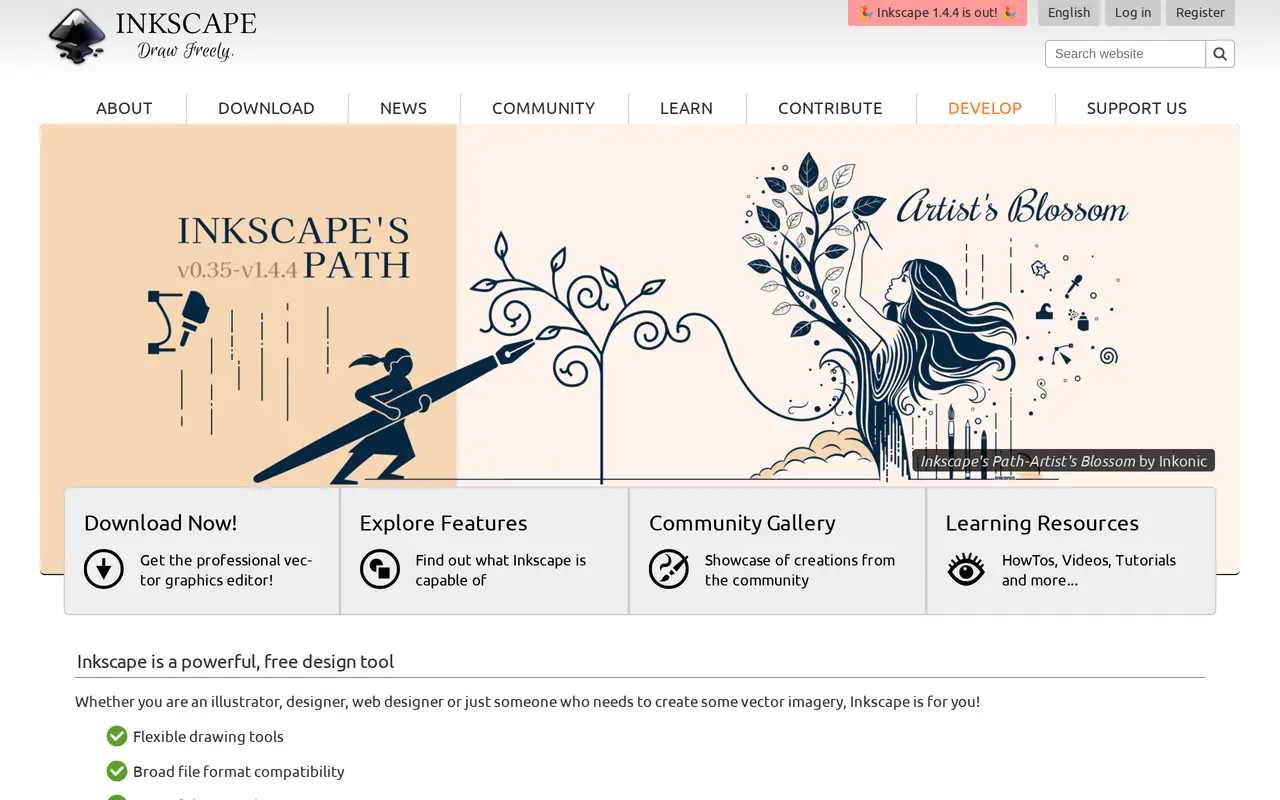
Inkscape draws vector artwork and saves it as ordinary SVG rather than a format only it can read, which is what makes a logo drawn here openable in a browser, a build pipeline or somebody else's editor years later. It covers illustration, clip art, typography and diagramming on Linux, Windows and macOS. There is no account, no seat count and no upload step. The interface has its own habits and will feel strange to anybody arriving from a commercial editor, which is the real cost of it being free.
There is no price. Inkscape is free and open source under the GPL, with builds for Linux, Windows and macOS from the project itself. Nothing is gated, there is no watermark and no export ceiling. The project is funded by donations and by its own foundation, so the way to pay for it is voluntary.
Anybody who needs vector work done and does not want a subscription attached to it, and particularly anybody on Linux, where the paid alternatives largely do not go. Using SVG as the native format makes it the sensible choice when the artwork will be handed to a developer or checked into a repository. Somebody coming from Illustrator should expect the shortcuts and panel layout to fight them for a week.
Reach for this over a paid editor when the output is going into code, because it writes SVG a browser will render rather than SVG exported from a proprietary format. Buy Affinity Designer instead if you want the same freedom from subscriptions with an interface that will not cost you a week.
No ratings yet
Be the first to rate Inkscape.
Tell people what it was actually like. It goes up straight away.
Write a reviewNobody has reviewed Inkscape yet. Be the first.


Comments
Join the conversation
Sign in to ask a question or answer someone else's.
Sign inNo comments yet. Ask whatever you would want answered before signing up.