

FlexClip
Video
Template-led video editing in a browser
Making the work
Growing an audience
Running the business
kapwing.com
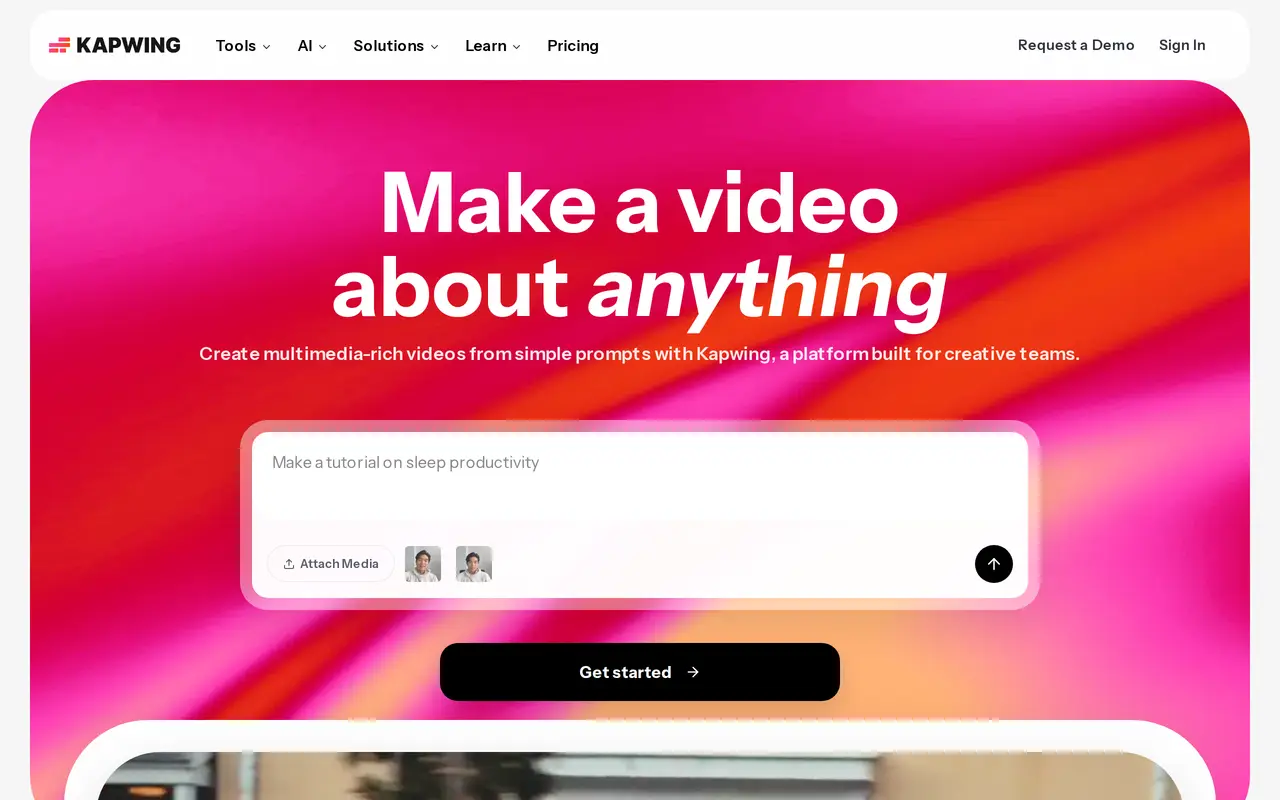
Kapwing edits video in a browser tab, which suits anybody working across two machines or unwilling to install anything. Subtitling, dubbing into forty languages and trimming by editing the transcript are the parts people come for. A repurpose tool cuts a long video into social clips. The free tier is real and the paid ones are metered in credits and minutes.
Free is genuinely usable. Pro is $24 a month billed monthly, or $16 a month billed annually at $192 a year, and brings 1,000 credits a month, auto-subtitling to 1,000 minutes and dubbing to 50. Business is $64 monthly or $50 annually with 4,000 credits. Both rates appear on the page, so the monthly figure is the one quoted here. The page also states there are no refunds, on the grounds that a free version exists to try first.
Teams and creators who work across devices and want subtitles and clips without a desktop timeline. Anybody colour grading, layering effects or handling long-form footage will hit the limits of a browser quickly.
Trimming by transcript and the repurpose tool are what justify this over a free editor, particularly if subtitles are a weekly job. Descript does the transcript editing better; Kapwing wins on needing nothing installed.
No ratings yet
Be the first to rate Kapwing.
Tell people what it was actually like. It goes up straight away.
Write a reviewNobody has reviewed Kapwing yet. Be the first.


Comments
Join the conversation
Sign in to ask a question or answer someone else's.
Sign inNo comments yet. Ask whatever you would want answered before signing up.